"AI" can sound like a black box you are supposed to just trust. You should not have to. Here is exactly what happens, step by step, between the moment you speak a comment on site and the moment it shows up in your report. No hype, no mystery.
Step 1: you talk as you walk
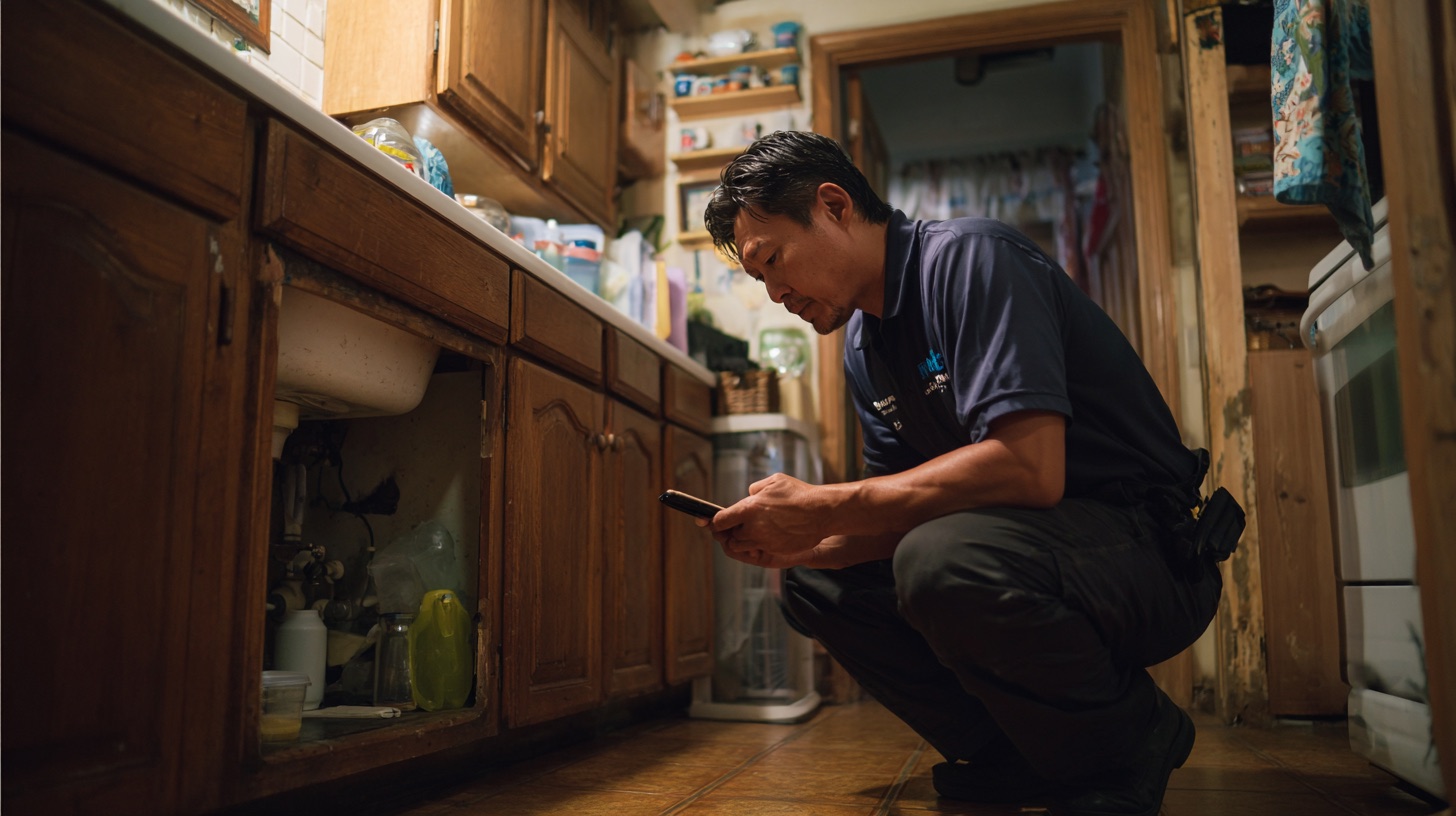
You inspect the way you always have, flashlight in hand, eyes on the house. When you see something, you say it out loud into your phone or tablet, in your own plain words. "Roof shingles worn near the north valley, recommend monitoring." You do not stop to type. Your hands stay on the job.
Step 2: your voice becomes text
The recording is transcribed into text. This is the one step that needs the internet, because the transcription runs in the cloud. On site with signal, it happens in the background within seconds. With no signal, your recording is stored safely on the device and transcribed the moment signal comes back. You never lose the comment.
Step 3: your own library gets searched
This is the important part. The system takes what you said and searches your own comment library, the sentences you wrote and saved over the years. It does not search a giant pile of strangers' reports. It looks for the saved comment of yours that best fits what you just described. It uses more than keyword matching, so it can find the right comment even when your spoken phrasing is a little different from how the saved one is written.
Step 4: the meaning gets checked, not just the words
Before anything is placed, a second pass reads your spoken text and the candidate comment together and checks that they actually mean the same thing. This is what keeps a "no damage" observation from pulling in a "damage observed" comment just because the word damage appears. It is built to handle that difference. It is an AI model doing careful reading, so it is far better than plain keyword matching, and it still deserves your final eye on the report.
Step 5: your exact words go in, or you do
If a saved comment clears the confidence bar, your exact saved wording is inserted, unchanged. If nothing is a good enough match, the system does not invent a sentence. It falls back to your own spoken words from the transcript. Either way, the words in the report are yours.
Step 6: it is basically done before you leave
Because the matching runs comment by comment in the background, the report fills in as you go. With signal on site, that is near real time. By the time you finish walking the house, most of the writing is already done, and you are reviewing and finishing rather than starting a second shift at a desk that night.
The one thing to hold onto
At no point does software write a new sentence and slip it into your report as if you said it. It matches your saved words, or it keeps your spoken words. That is the whole design, and it is why your reports keep sounding like you.
Your software is shutting down. We import the library you spent years building.